Neon Vision Editor Features
Editing Flow
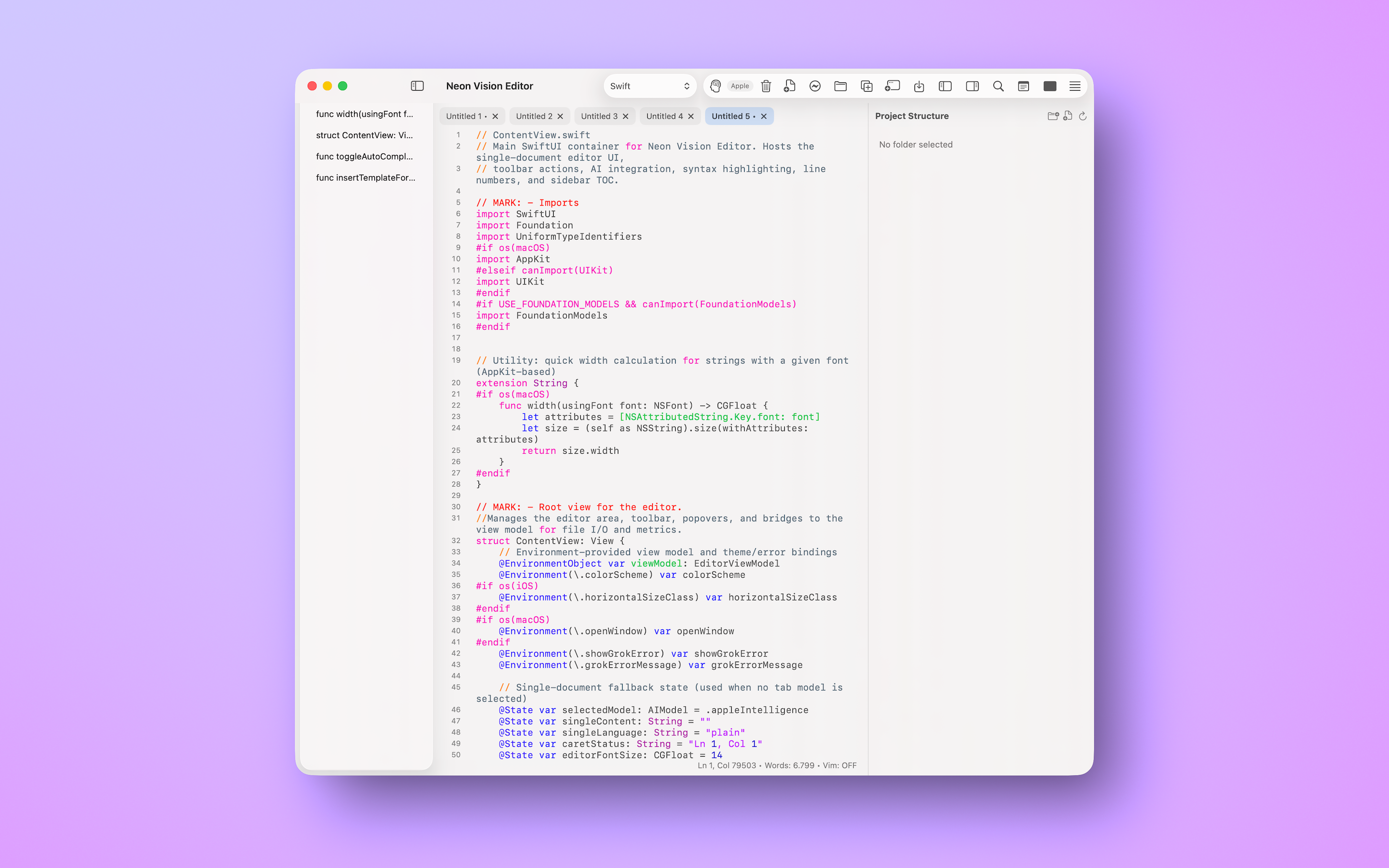
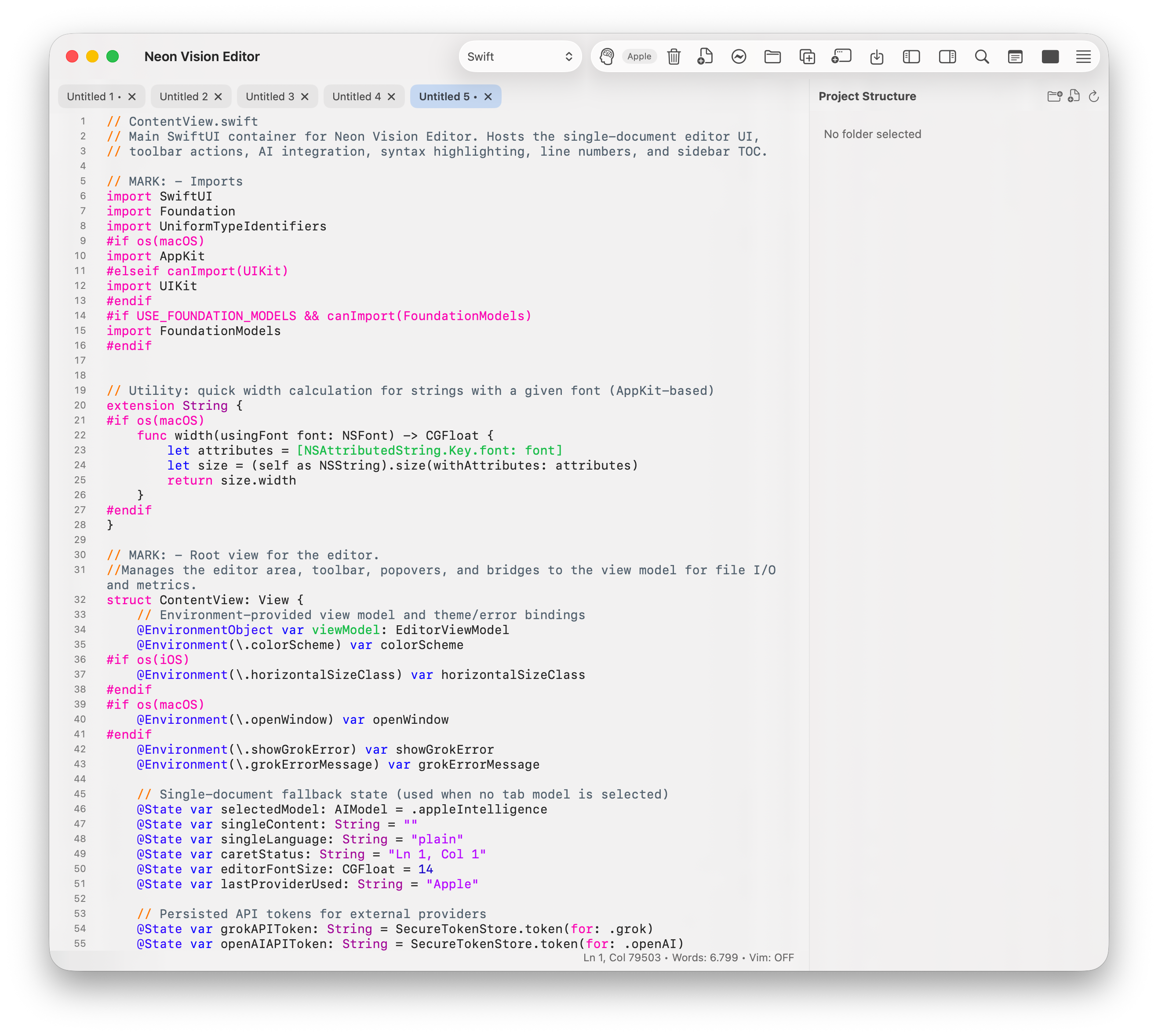
Neon Vision Editor is built for focused writing and coding with a native, low-latency feel.
- fast launch and project open behavior
- clear typography and readable spacing
- automatic syntax highlighting
- minimal chrome to keep attention on the text
AI Assist (Optional)
AI assistance is available when explicitly requested.
- lightweight completion support
- no forced AI overlays
- no interruptive auto-generation loops
Cross-Device Continuity
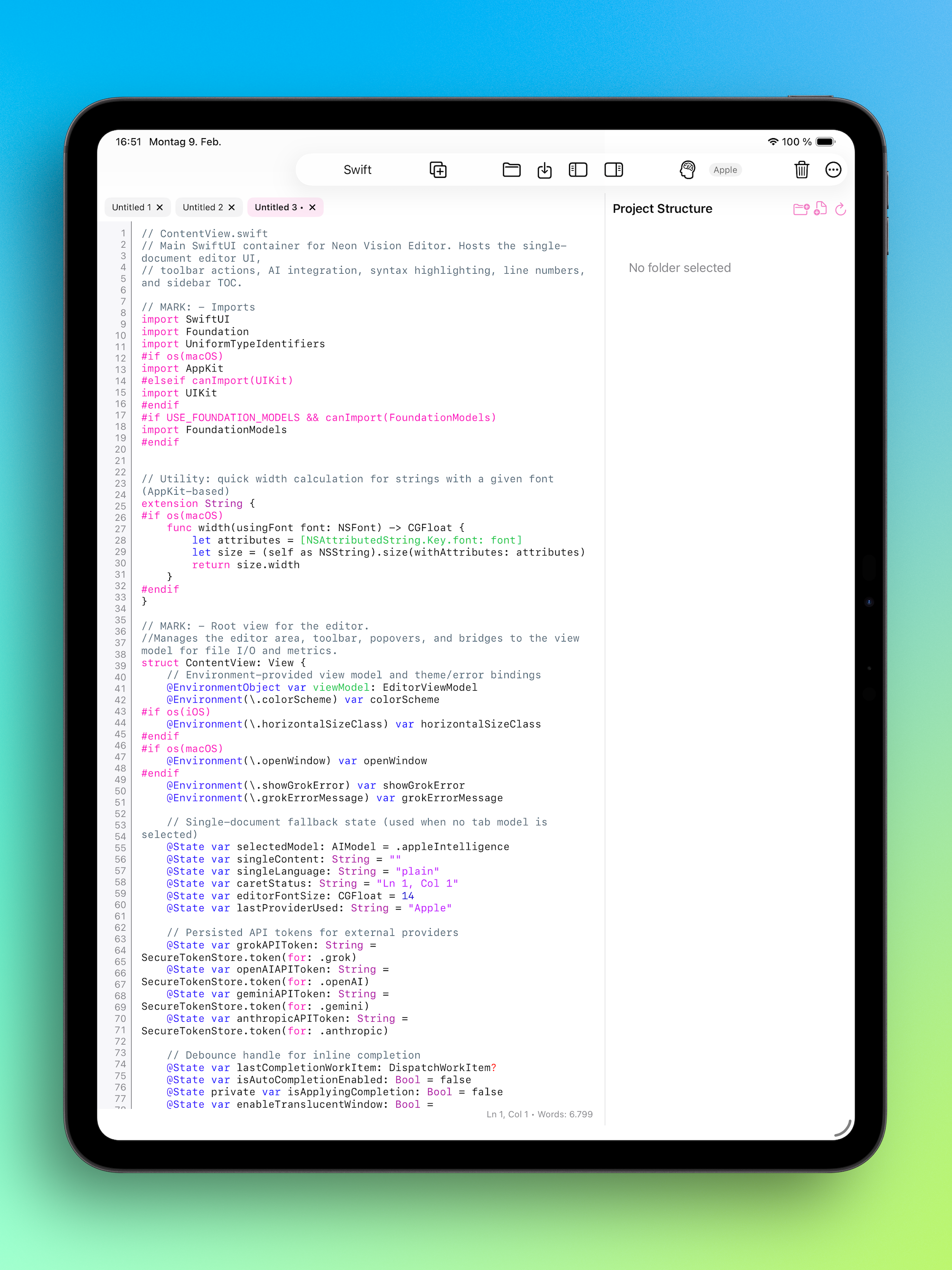
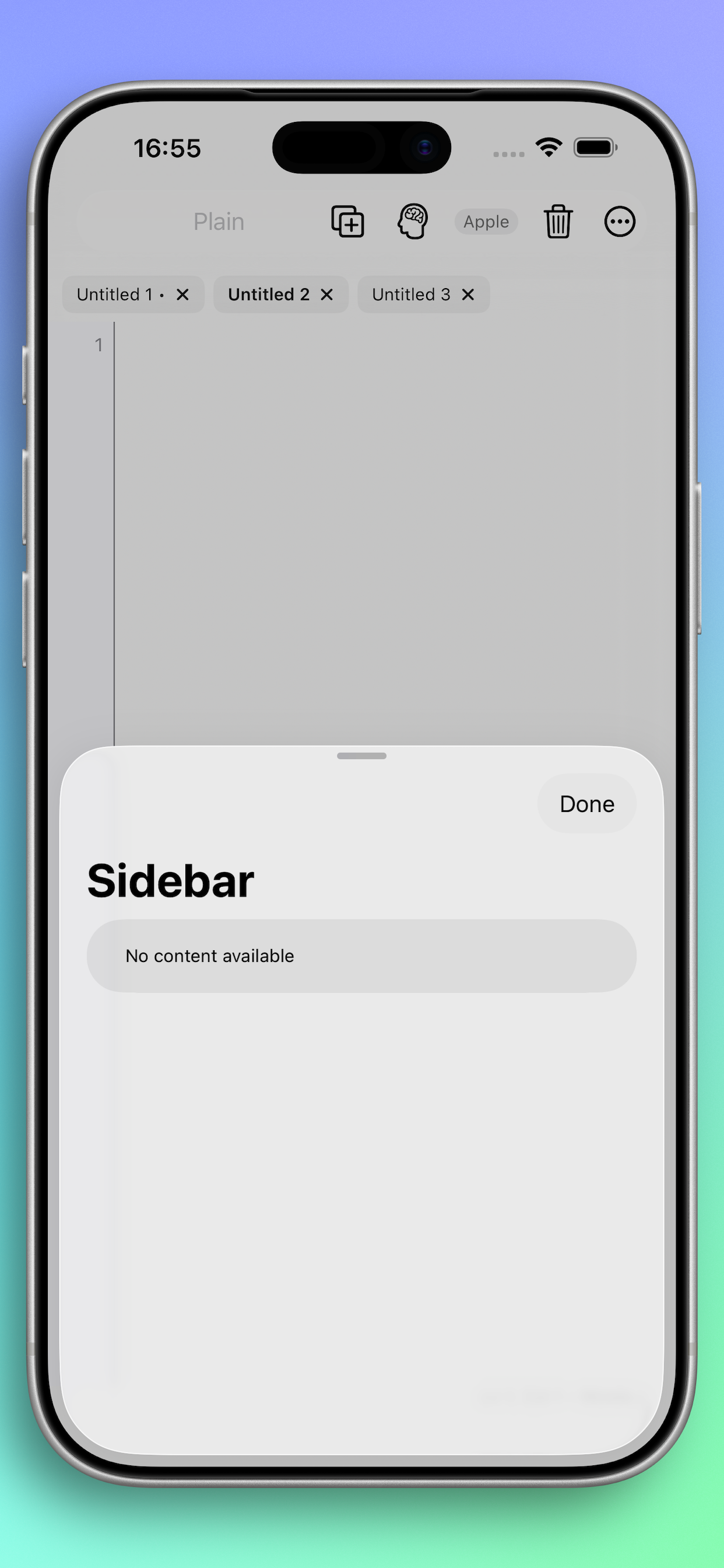
The app experience is intentionally aligned across macOS, iPadOS, and iOS.
- consistent editing behavior across device classes
- consistent visual language and navigation model
- practical context switching between desktop and mobile
Visual Design Direction
Neon Vision Editor uses controlled neon accents with restrained contrast.
- dark and light mode support
- modern native look-and-feel
- subtle brand highlights without visual noise